
Let's get started
1. Sign In
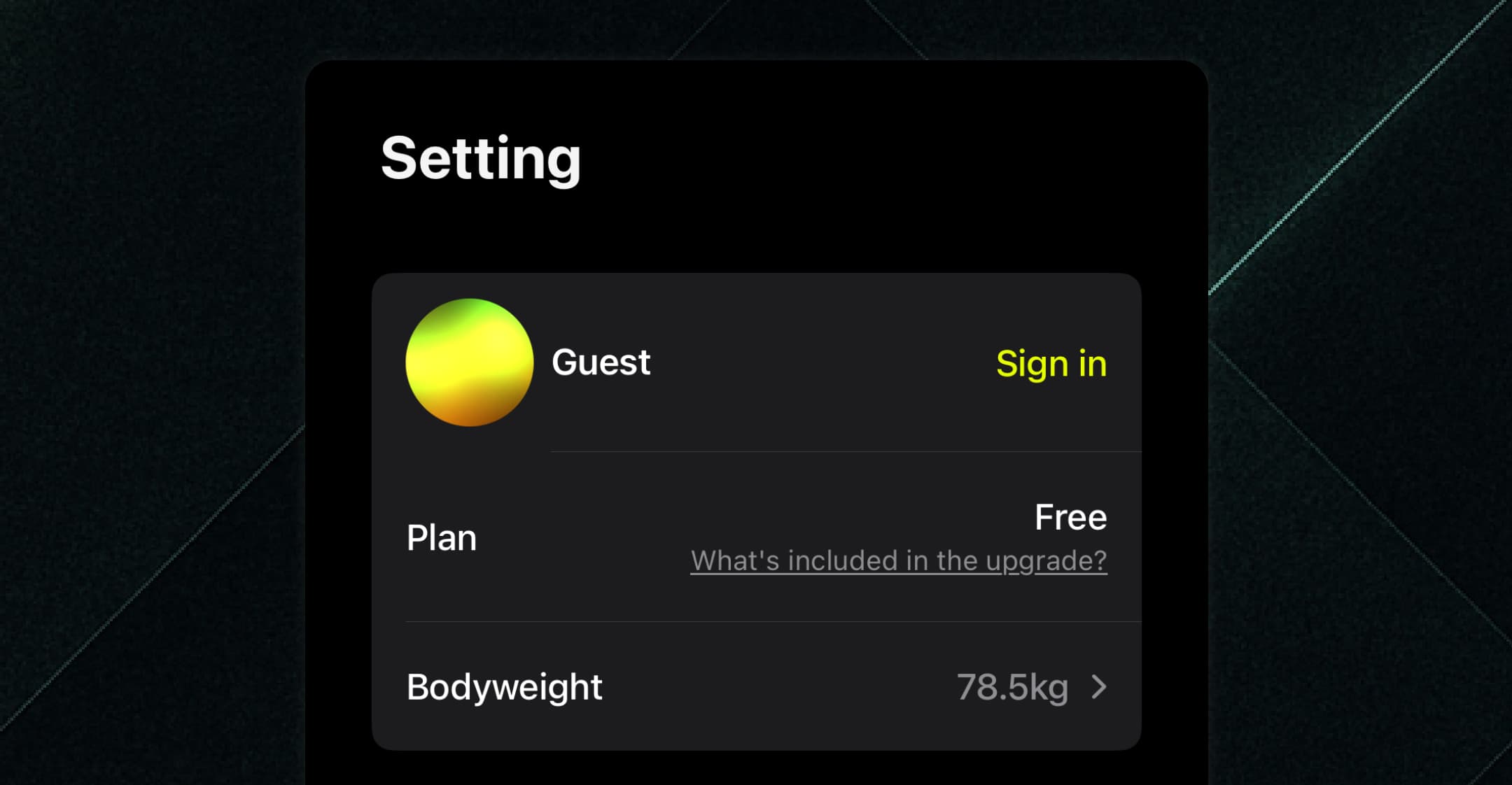
You can train as a guest, but we highly recommend signing in to protect your workout history.
Your data will be stored in the cloud, so you’ll never lose it — even if you switch devices or run into trouble.
You can sign in anytime from the Settings screen.
2. Add Exercises
You can add machines, free weights, bodyweight, or cardio exercises — any way you train.
(Free Plan: up to 20 exercises. Gold and above: unlimited.)
-
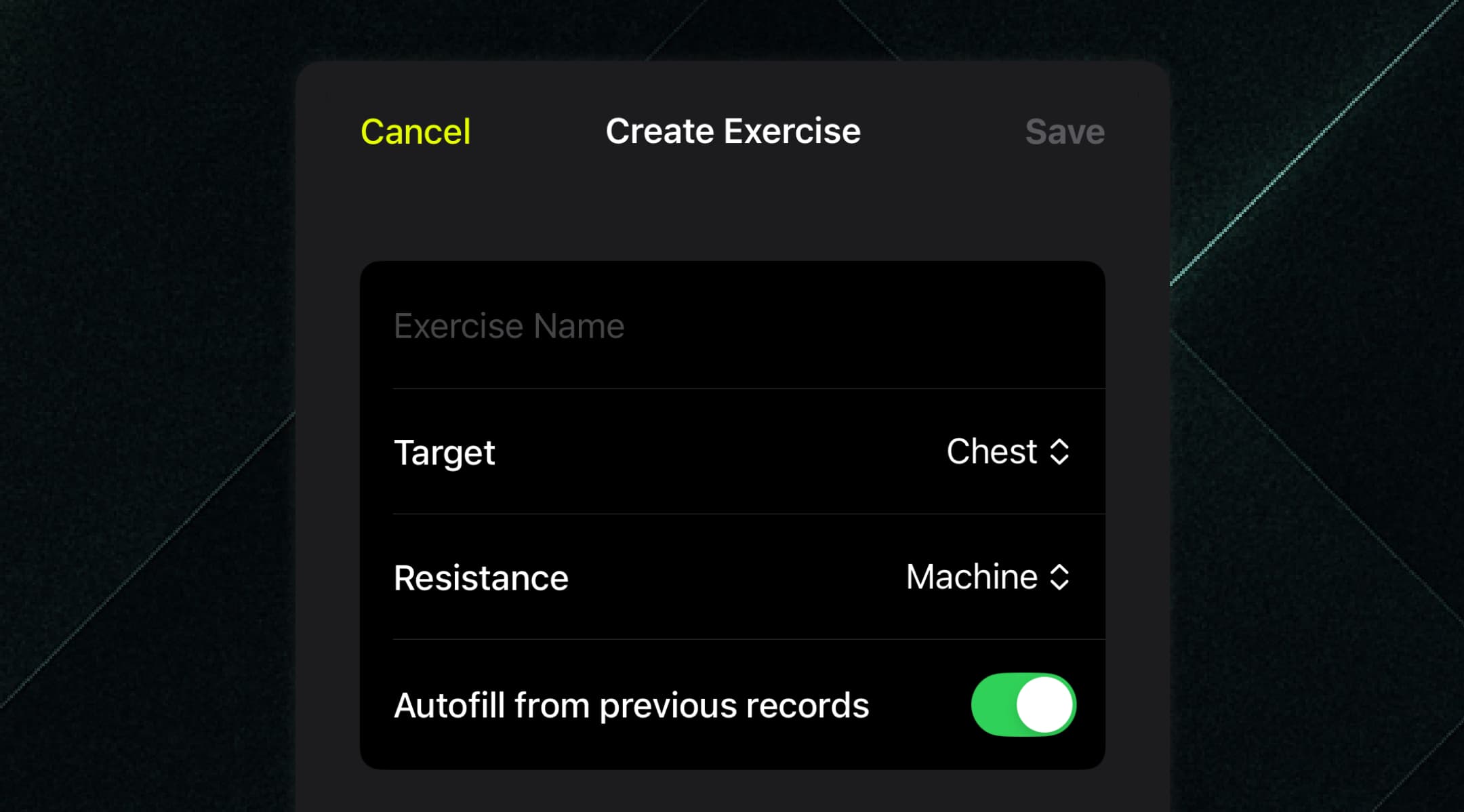
Tap the + on the Exercises tab to create a new exercise.
-
Example: Register the classic leg day staple, Barbell Squat:
-
Name: “Barbell Squat”
-
Target Muscle Group: “Legs”
-
Training Type: “Free Weight”
-
Turn on Auto-fill Previous Record → Saves your last weight so you can start faster next time.
-
💡 Tip
Gold unlocks Bodyweight Load Percentage, essential for bodyweight training.
This lets you count part of your bodyweight as load when doing exercises like regular squats without weights.
More accurate logs = better motivation for bodyweight days.
3. Log Your Training
Your daily training starts from the Calendar tab.
-
Tap Start Training → Your registered exercises appear.
-
Select everything you want to train today, then tap Add → They’ll be loaded into your calendar.
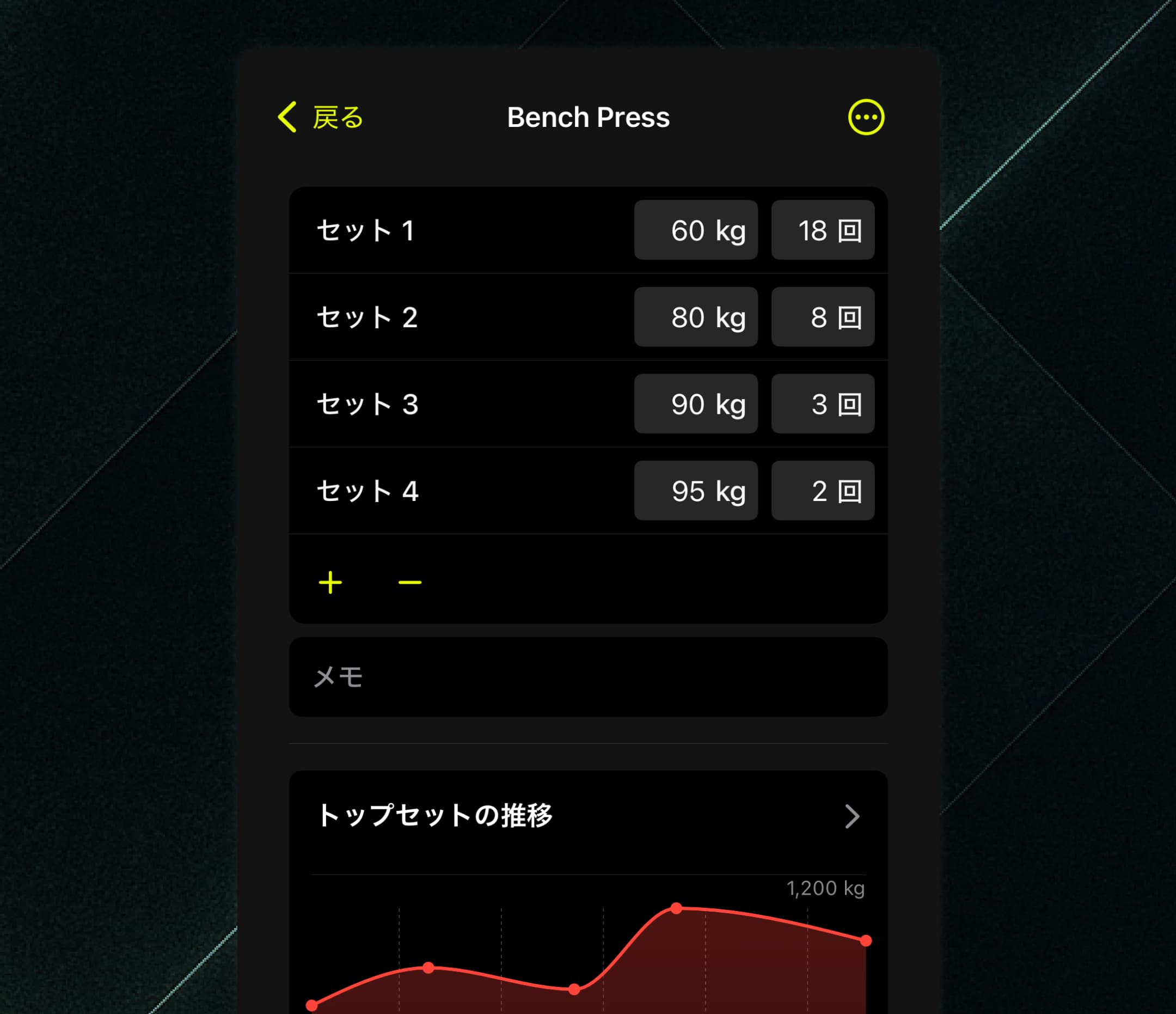
Tap an exercise to open its set log: input weight and reps for Set 1, Set 2, and so on.
Use + to add sets, - to remove them.
When you log a set, the chart updates in real time.
Checking the chart before a set can trigger that “beat my last record” mindset — and help you push harder.
💡 Tip
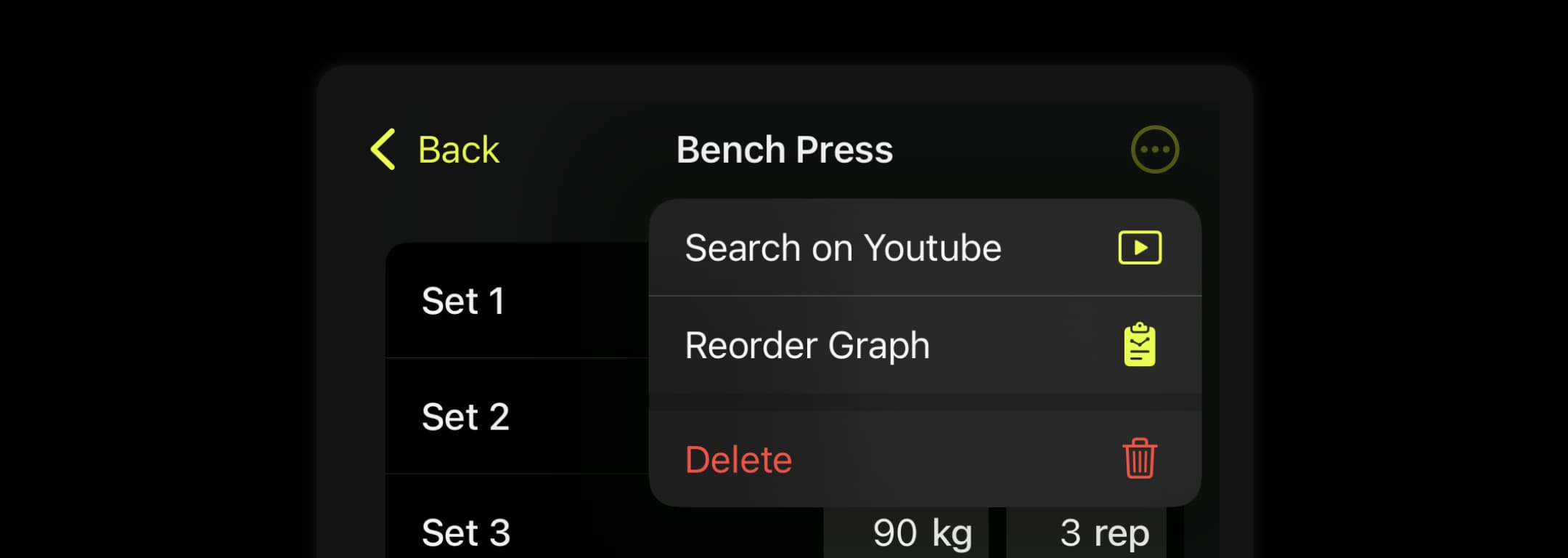
Tap the ⋯ menu (top right) to search YouTube for the exercise or change chart order.
4. Check Your Limits in the Report
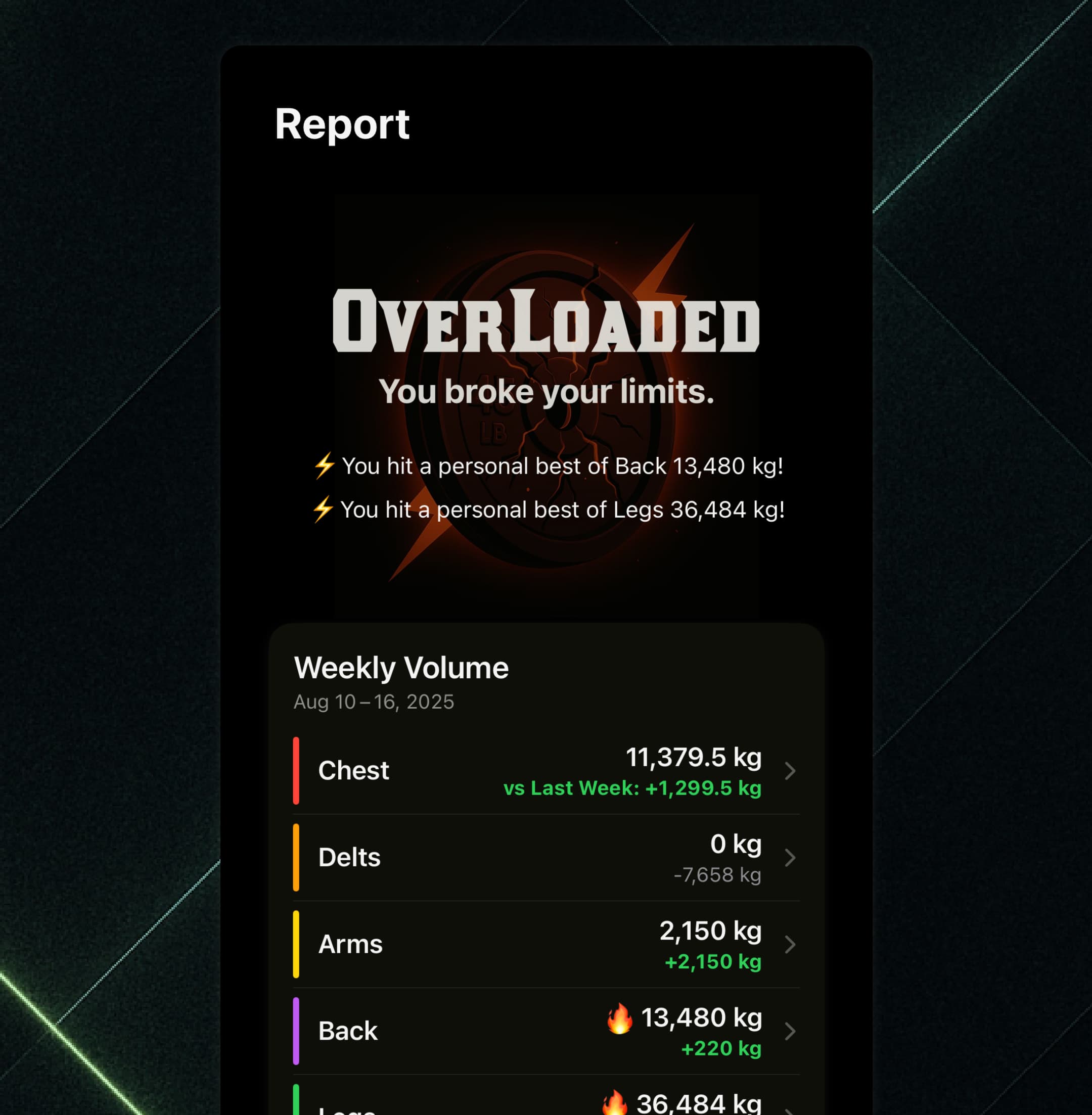
The Report tab logs your weekly training volume and set counts by muscle group.
Compare to the previous week at a glance. A 🔥 icon means a new personal best.
Track growth trends for each muscle group.
For example: keep building legs while maintaining arms — a must for balanced growth.
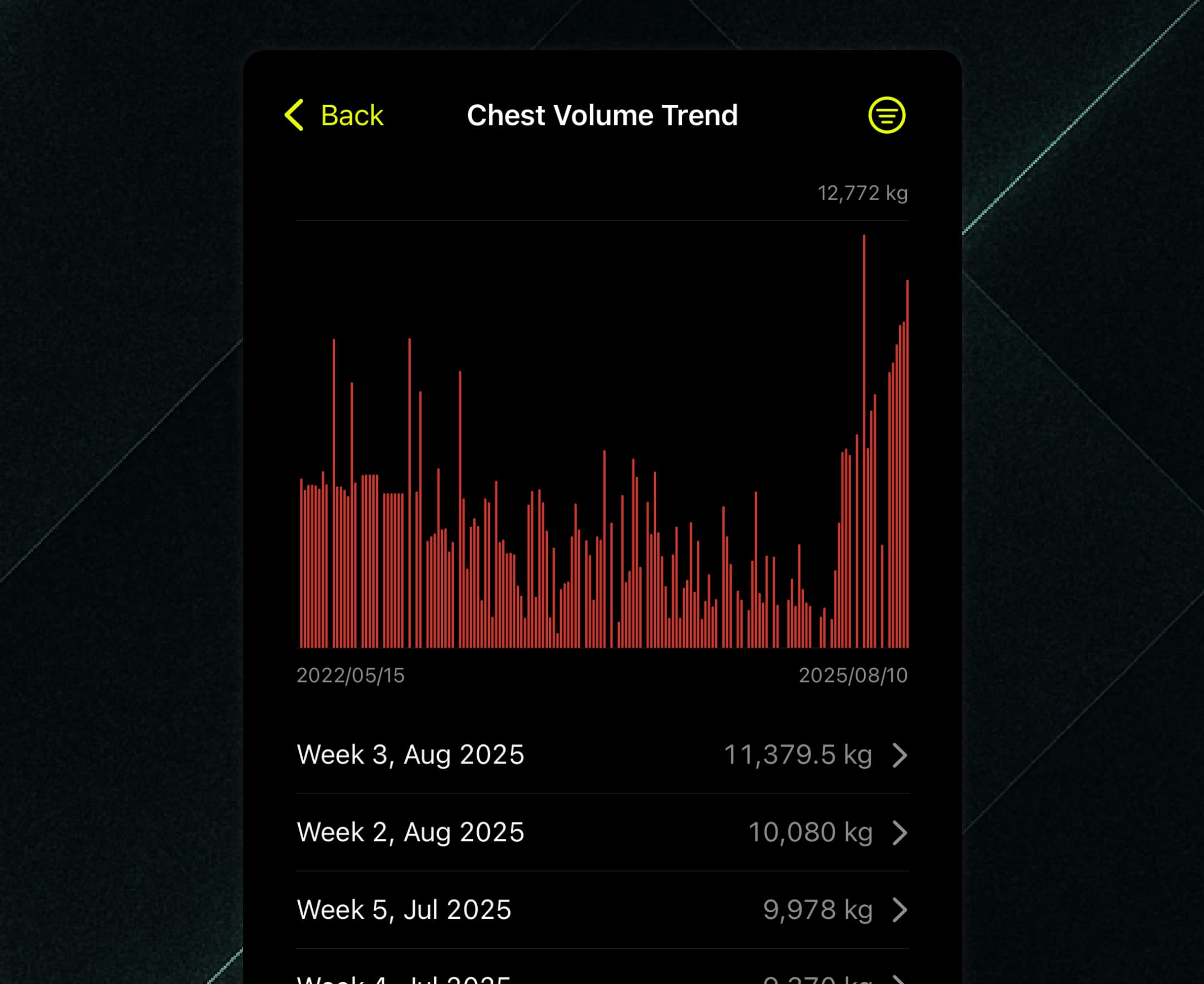
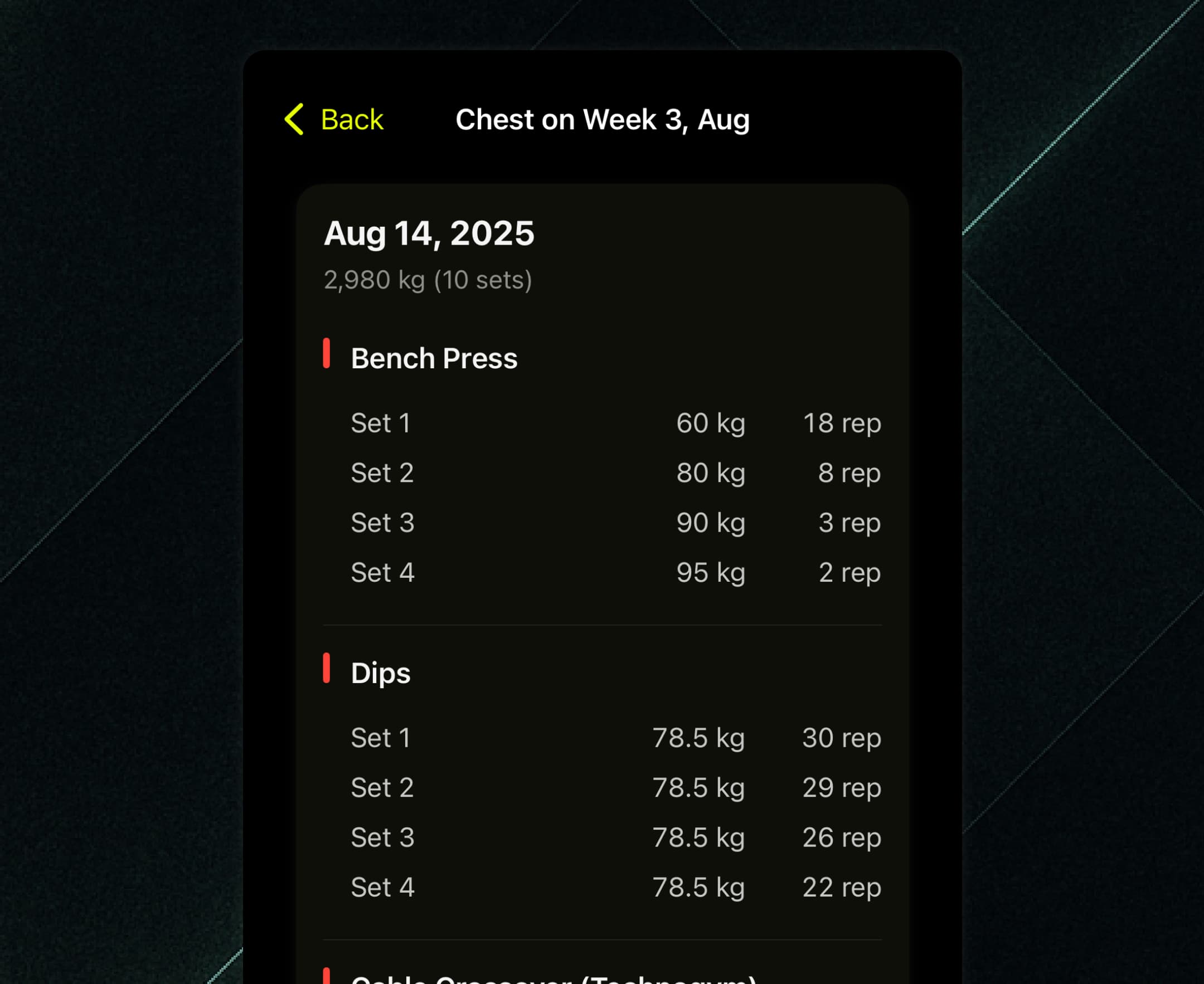
Tap a week to see every exercise and set you completed.
Reviewing high-volume weeks can help you pinpoint what drove your progress.
💡 Pro Tips
Choose a focus muscle each week and aim for the 🔥
Analyze set/weight trends for lagging muscles and adjust
Peak for contests or events with planned overload
Manage load during injury recovery or deload phases
5. Your Next Step
-
Break your limit, then make that your new baseline.
-
Get Overloaded. That’s the OVLD way.
💡 The journey for muscle growth never ends. Keep logging, keep pushing, and get ready to break through again.
All for one goal — maximum hypertrophy.